Best practices for driving engagement with iOS app notification badges

Push notifications on iOS are incredibly effective at driving mobile engagement, but there’s another notification tool that tends to be unfairly considered an afterthought: badges.
No, we’re not talking about those in-app gamification badges you earned because you “worked out three days in a row” or (OK, more realistically) “checked into five hot dog stands.”
We’re here today to breathe some life into a much more overlooked kind of badge: the little red circle with a number inside it that overlays the top right corner of app icons on iOS.

Plenty of attention has been paid to push notification strategy for user engagement. But those little red badges can be used even without push and, if combined with an effective content strategy, are an undervalued engagement opportunity.
(Note: Android has a different approach to badges called “dots,” which have their own implications and rules, so this article is primarily focused on iOS.)
Badges as triggers
A badge is a subtle nudge that something is waiting for you inside the app.
As revealed by social apps, just the sight of these things can trigger dopamine releases due to social rewards designed to hook us (for example, likes, comments, or direct messages).
Badges can make an app feel dynamic and active, encouraging impulse engagement. Duolingo reported an immediate 6% increase in daily active users (DAUs) simply from implementing a basic badge strategy.
Badges don’t have to be tied to push notifications
On iOS, badges are often tied to push notifications, but they don’t have to be. There are three user-facing components to an iOS notification that can be used in any combination:
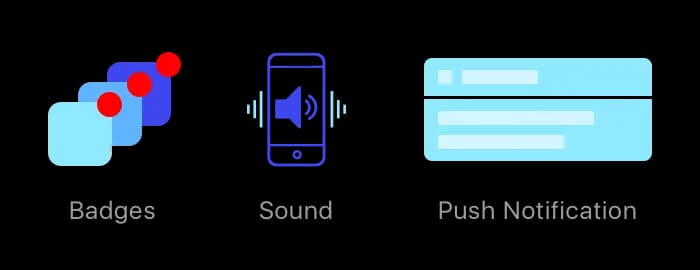
So, you may have a badge without a push, a push without a badge or a push, badge and sound working together at the same time. The right combinations, along with other features like Apple’s rich push notifications, can be quite effective.
Keep in mind that users can turn off badges, or in some cases, define how badges are displayed. Therefore, it’s important to craft your badge strategy carefully.
Badge best practices
1. Ensure the badge number is clearly tied to something inside the app
A badge number showing up can create excitement and drive engagement, but it’s vital for the app’s UX to pick up where the badge leaves off to reveal what’s new.
Use clear design cues to ensure the connection between badge and content is easily made. Consider implementing an “inbox” or “notifications center” section of your app that’s tied to a badge system.
2. Make it easy to clear
Not only should it be easy to understand why the badge is there, but it should be equally easy to clear out the badge count. This is especially important if there is a high volume or if the badge events are relatively low-impact.
For example, Facebook and Pinterest both clear out the full badge count by visiting the notification center. (Imagine if you had to tap through one by one!)
3. Develop your content strategy with badging and regular engagement in mind
Consider using push notifications when appropriate, but use badges to trickle out other content for regular engagement.
Time your content releases to trigger badges in line with your engagement goals—for example, if you aim for DAUs, plan content releases with badges on a daily basis (like LinkedIn’s “daily rundown,” “jobs you may be interested in,” and other scheduled activity alerts).
4. Find an effective cadence and don’t overdo it
Keep in mind that users can disable badges completely for your app. Just like push notifications, abusing badges may lead to the user turning them off or worse, deleting the app.
Too many notifications clutter the Notification Center, which doesn’t do anyone any favors. Each app is different — consider running tests to measure effectiveness and find your cadence.
5. Focus on meaningful badges that help the user
Providing a clear benefit to acting on a badge helps the user form psychological connections with your app, which keeps people coming back.
Badge examples
Lastly, let’s examine some apps that are using badges effectively… and some that don't.
Like many modern social apps, LinkedIn has its own in-app “notification center” with notable recent activity. LinkedIn badges are always clearly tied to something useful inside the app (i.e., a badge reading “2” corresponds to two items awaiting viewing in your notification center).
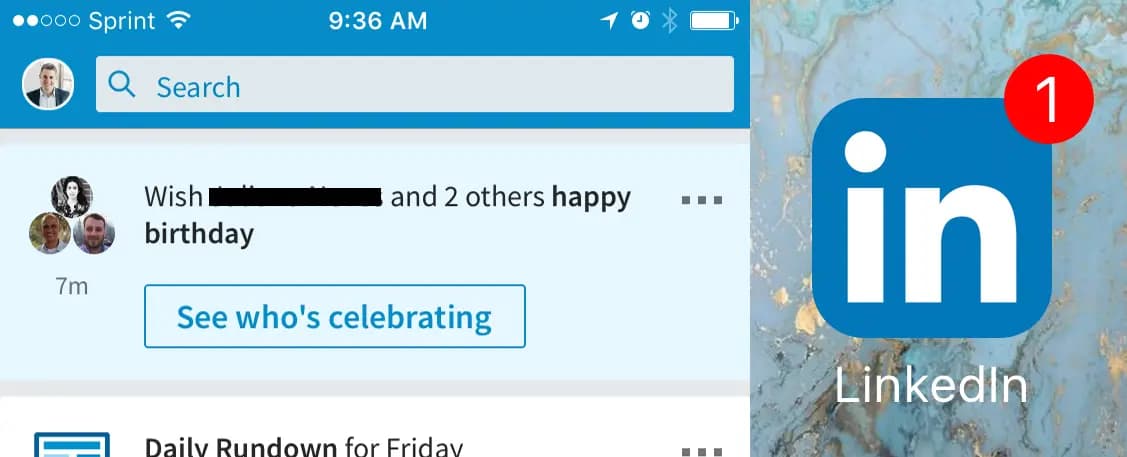
Major events, such as connection requests, send a push and badge notification combination because they may warrant immediate action, but more minor events, such as your “daily rundown” or someone viewing your profile, only trigger a badge.
This tiered approach mitigates push fatigue, but can also increase engagement — as you’re swiping through, you see something is waiting for you. LinkedIn has developed a content strategy centered on hosting at least one badge event a day, encouraging daily engagement.
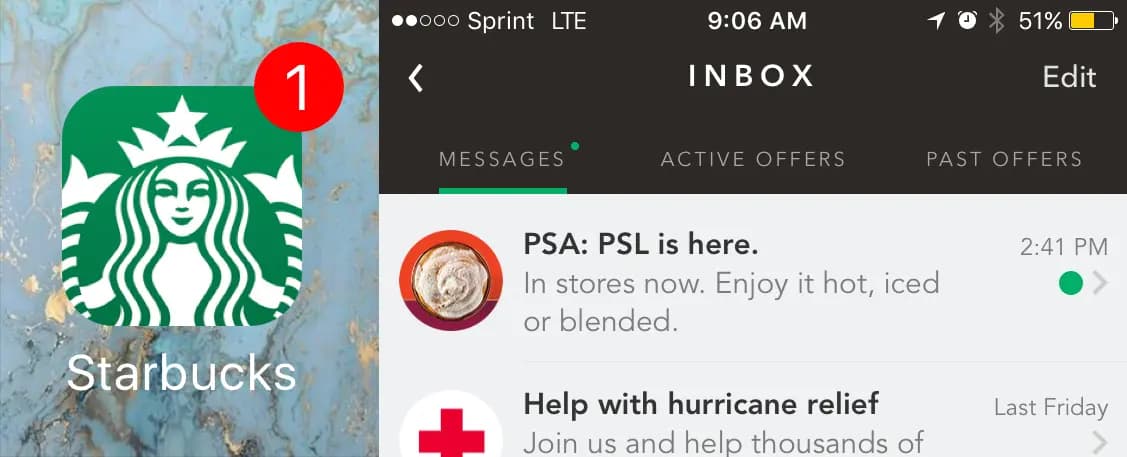
Starbucks
The app has an inbox that contains updates on your rewards account, new product offerings and even music that’s available from Starbucks. Most of these offers don’t warrant a push notification, but they’re heralded by a badge instead, which prompts the user to find the benefit waiting in the inbox.
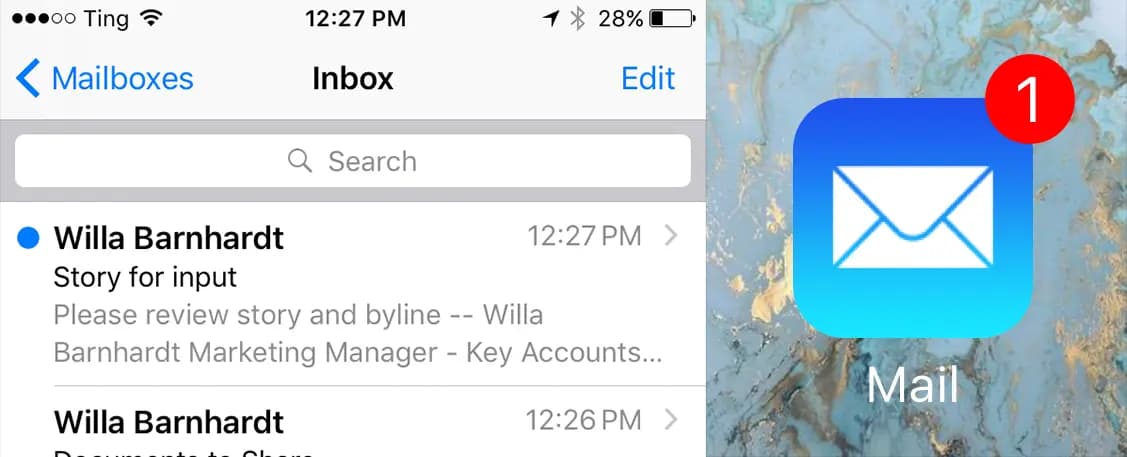
Apple Mail
No one wants to get a push notification for each email, but a quick glance at a count of new emails in a badge may be helpful. The Mail app helpfully allows you to customize the count you see: all new emails, just emails from your VIPs, or specific threads you have subscribed to.
Words With Friends
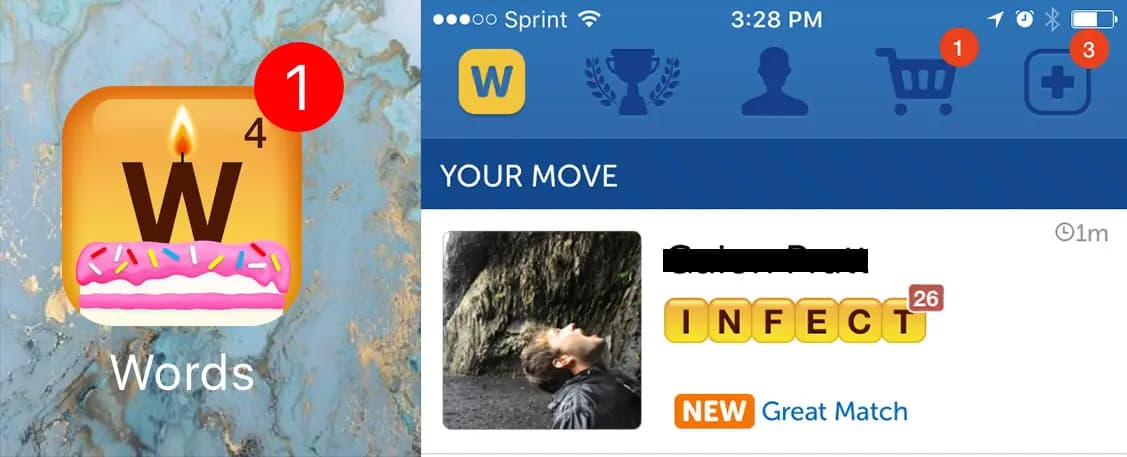
A less-than-desirable example is the popular Words With Friends game. Each push notification also generates a badge that can sometimes confuse the user experience.
Some WWF push notification/badge combinations are useful — for example, when a friend is awaiting your response.
Others, like “word of the day” push notifications, also increase the badge count with nothing corresponding inside the app. Having a badge count of "2" with only one in-app action can be a needlessly frustrating user experience.
Apple’s HIG provides detailed guidelines for executing notifications, including protecting the purpose of badges (i.e., not displaying non-notification info within badge counts, such as current temperature or stock prices) and the importance of keeping badges constantly and immediately up to date.
Need help incorporating badges into your app engagement strategy? Contact us!